If you search for the best selling gadgets on Amazon, you will find plenty of top-10 lists. Most go stale within weeks, because the real list changes hour by hour. A better approach is to learn how to read the list yourself and how to judge what you find on it. That works in any month and for any gadget category.
This guide covers where the lists live, what they show, what they leave out, and a short checklist for deciding whether a best seller deserves your money. One note on how this site works: if you buy through my Amazon links, I may earn a commission, and the price you pay stays the same.
How to see Amazon best sellers (and where to find the electronics and Devices & Accessories lists)
Amazon publishes a Best Sellers page that ranks products by sales. Amazon states that the rankings are updated hourly, so what you see is close to a live view rather than a monthly roundup.
To reach it, search for “Best Sellers” in Amazon’s menu or footer, or use the “Best Sellers” link in the navigation bar. From the main page you can drill down through the departments listed on the left side:
- Open the Electronics department for the broadest gadget list.
- Use the subcategories beneath it, such as headphones, portable audio, accessories, wearable technology, or camera and photo.
- Check the Amazon Devices & Accessories list if your store shows it. It covers Amazon’s own hardware and the accessories built for it.
- Keep drilling down until the list is narrow enough to compare like with like.
The narrower the category, the more useful the list. A top-100 of all electronics mixes cables, memory cards and televisions, which tells you very little about what to buy. A top-100 inside a single subcategory puts competing products side by side.
Category names and layout vary a little by country and change over time, so if a menu item is not where I describe it, use the department sidebar instead.
What gadgets sell most on Amazon, from popular tech to the air fryer category
I am not going to name a current top 10 here, because it would be wrong by the time you read it. What I can tell you is which kinds of products tend to dominate gadget lists, because they are everyday purchases that people replace or add to often:

- Charging gear: wall chargers, power banks, cables and wireless charging pads
- Audio: earbuds, headphones and Bluetooth speakers
- Smart home basics: smart plugs, video doorbells, and speakers with built-in assistants
- Streaming devices and media accessories
- Phone and tablet accessories: cases, screen protectors, stands
- Wearables such as smartwatches and fitness bands
- Small kitchen appliances, including the air fryer category
The air fryer sits in Home & Kitchen rather than Electronics, but it appears in gadget conversations because it is a plugged-in device that shoppers compare the same way: features, reviews, price. If you want to see how it ranks, open the Home & Kitchen Best Sellers list and drill down to small appliances.
Low-priced accessories tend to rank high because many people buy them and buy them repeatedly. That is worth remembering when you read the list. A high rank for a phone cable does not say anything about whether a laptop or smartwatch in the same department is a good purchase.
If a streaming stick is on your shortlist, my write-up on whether the Amazon Fire TV Stick is worth it covers what to weigh before buying one.
Trending versus best selling: how to find trending gadgets on Amazon before everyone else does
Best Sellers shows what has sold the most. Trending is a different question: what is gaining speed right now. Amazon has separate lists for this, found near the Best Sellers page:
- Movers & Shakers shows products whose sales rank has risen the most over the past 24 hours, with the percentage change displayed.
- New Releases shows recently launched products that are selling well.
- Most Wished For shows what shoppers are saving to wish lists, which often points to products people want but have not bought yet.
To spot a gadget early, check Movers & Shakers inside your chosen category and look for products with a big jump that also appear in New Releases. A product in both places is new and gaining buyers.
A big percentage jump can be misleading. A product that sold almost nothing yesterday can show an enormous gain by selling a modest number of units. Treat a Movers & Shakers entry as a prompt to investigate, not a recommendation. A short sale, a mention in a video, or a restock can all cause a spike that fades in days.
A useful habit is to check the same category on a few different days. A product that appears on Movers & Shakers once and then disappears was a blip. One that climbs and holds its position in Best Sellers is building real demand.
Why gadgets get so popular on Amazon and how they go viral
Several things push a gadget up the rankings, and most have nothing to do with how good the product is.
Price. Gadgets under a certain price are impulse buys. A shopper who would research a laptop for weeks will add a small accessory to the cart in a minute.
Reviews and ratings. Amazon puts products with many reviews in front of more shoppers. A product that gets a good start in reviews can keep that advantage, because shoppers trust a high count and a high star rating.
Social media and video. Short videos and creator reviews can send a product from obscure to out of stock quickly. Shoppers then search for the product by name, and Amazon’s rankings reflect the surge.
Deals and promotions. A discount, coupon or limited-time deal raises sales for a while. When it ends, the rank often drops.
Seasons and events. Back-to-school, holiday gifting and Amazon’s own sales events change what sells. Chargers, headphones and smart home items often rise around gift-giving periods, and with the holiday shopping season close, expect the lists to shift over the coming weeks.
All of this means a gadget can be popular for reasons that matter to the seller and not to you. The checklist below helps you separate the two.
Is the Amazon best seller list accurate? What the ranking can and cannot tell you
The list is accurate about one thing: sales. Amazon’s own description is that the Best Sellers ranking is based on sales and updated hourly, and that is what the number measures. Beyond that, the ranking has limits you should know.
What it can tell you
- Which products in a category are selling most at this moment
- Whether demand is rising or falling, if you check over several days
- Which products a lot of people considered good enough to buy
What it cannot tell you
- Whether buyers were satisfied after they used the product. A sale is counted at purchase, not after a month of use.
- Whether the product is the best choice for your needs. Popular means popular with the average buyer.
- Whether the price is good. A best seller can be priced above comparable alternatives.
- Whether the reviews are honest. Review quality varies, and star averages can be inflated.
- How different versions are treated. Colors, sizes, bundles and listing variations can complicate what you are looking at, so confirm that the exact model you are buying is the one that is selling.
You will also see sponsored results around Amazon’s search pages. Those are paid placements, and they are marked as sponsored. The Best Sellers list is a sales ranking, but it is worth keeping the two separate in your mind when you move from the list to a search.
My view is that the list is a good place to start a shortlist and a poor place to finish one. It narrows hundreds of options to a handful worth examining, and then your own checks take over.
Are Amazon best sellers worth buying? A quick checklist before you click buy
Run each candidate through these checks. They take a few minutes and filter out most bad purchases.
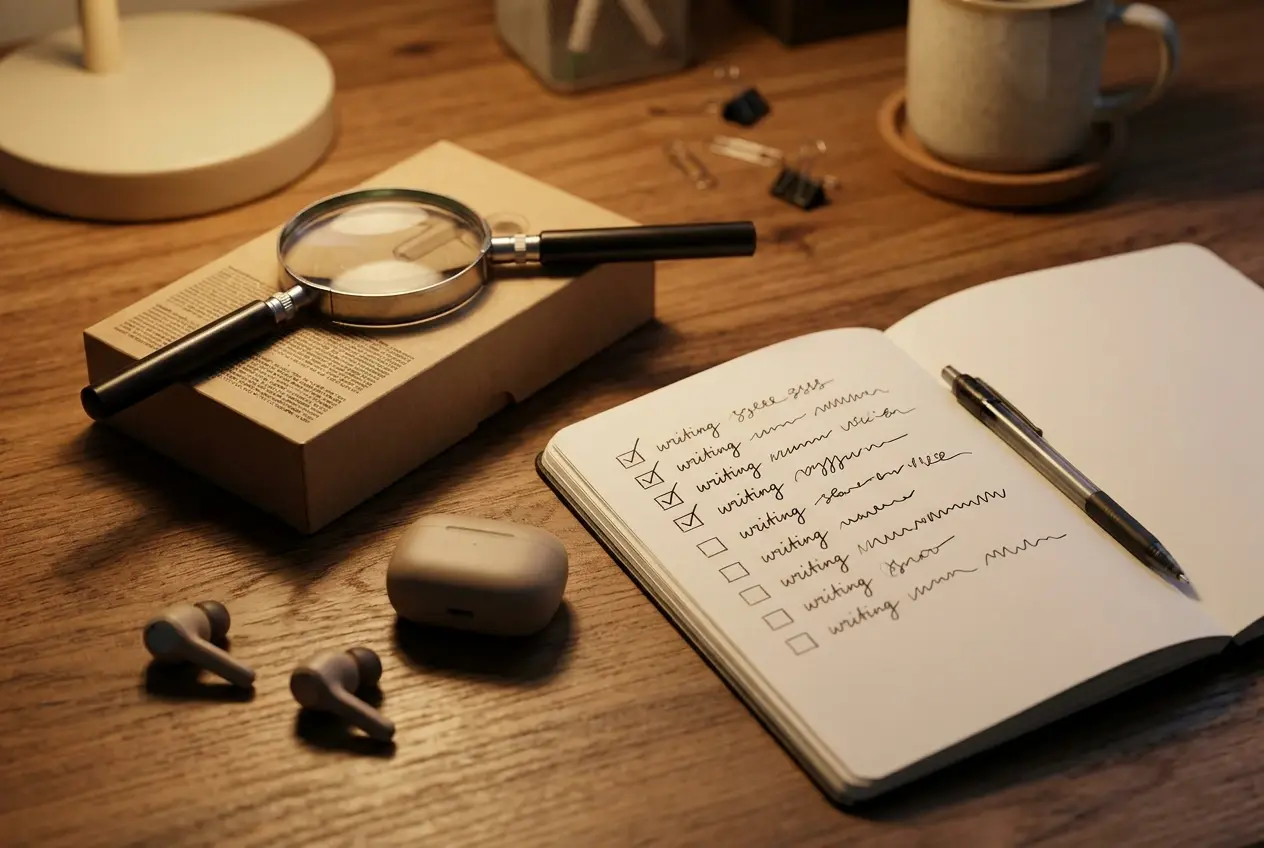
- Read the product page, not just the title. Confirm the model, the specifications and what is included in the box. Look for compatibility notes, such as which phones, operating systems or ports it works with.
- Look at the rating and the number of reviews together. A 4.5-star average from thousands of buyers means more than 5 stars from a few dozen.
- Read the three-star and one-star reviews first. They describe the actual problems: battery that fades, parts that break, apps that do not work. If the same complaint repeats, take it seriously.
- Sort by most recent. A product’s quality can change when the manufacturer changes components, so recent reviews matter more than old ones.
- Check who sells it. Note whether it is sold and shipped by Amazon, by the brand, or by a third-party seller, because that affects returns and support.
- Check the return window and warranty. Know what happens if the gadget does not work for you.
- Look at the price history. Price-history tools such as Keepa or CamelCamelCamel show whether today’s price is typical or inflated.
- Compare with two alternatives. If a lower-ranked product has similar specs and a lower price, it may be the better purchase.
- Ask whether you need it. A best seller you will not use is a waste of money at any price.
If a product passes most of these, it is a reasonable buy. If it fails the review check or the seller check, move down the list.
Top rated and best budget gadgets on Amazon: how to find them without overspending
Top rated and best seller are different measures. Best Sellers ranks by sales, while star ratings come from buyers who chose to leave a review. A product can be strong on one and weak on the other, and the ones worth your attention are strong on both.
To find them:
- Open a Best Sellers subcategory and use the star-rating filter on the matching search results page, or simply scan the stars on each listing.
- Prefer products with a high rating and a large review count over products with a perfect score and few reviews.
- Check a brand’s other products. A brand with consistently good ratings across its range is a safer bet than a one-off listing.
For budget buying, the most reliable approach is to decide what you need before you look at price. Write down the two or three features that matter, such as battery life, fast charging or sound quality. Then compare only products that meet them. Without that list, a low price pulls you toward whatever is cheapest, and a cheap gadget that fails in a few months costs more than a mid-priced one that lasts.
A few cautions for budget gadgets:
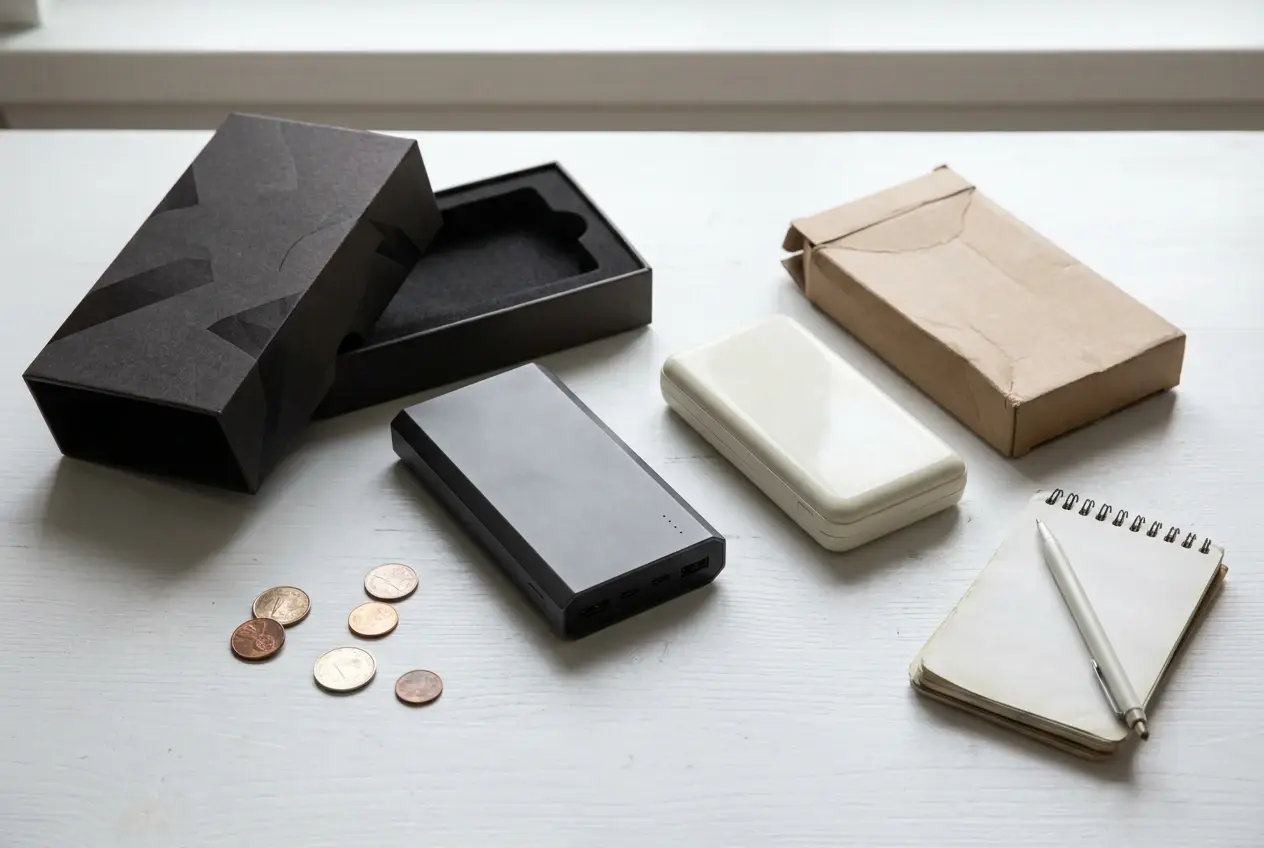
- Chargers and power banks: these carry batteries and power circuitry, so favor known brands with solid review histories over unfamiliar names with low prices.
- Unbranded listings: a generic name is not automatically bad, but you have less to go on, so the review check matters more.
- Bundles: a bundle can look generous while padding the price with accessories you do not need. Price the main item alone to compare.
If you want help choosing a phone specifically, my guide on how to choose the best smartphone for your needs works through that decision in more detail.
Amazon gadget deals today: how to check a deal is a real bargain, plus where to go next
Deals pages are crowded, and a crossed-out price does not prove a discount. The list price that appears with a strikethrough may be higher than what the product has usually sold for, which makes the saving look larger than it is.
Before you treat a deal as a bargain:
- Compare against the price history. If the “deal” price matches what the product often costs, it is an ordinary price.
- Check the deal type. Limited-time deals show a countdown or a claimed percentage, and some have limited stock. Know when it ends so you do not rush.
- Check coupons at the product page. Some discounts require you to tick a coupon box before checkout, and it is easy to miss.
- Confirm the seller and the return terms as you would for any purchase.
- Compare with the same model elsewhere. If another retailer sells the same model for less, the Amazon deal is not the best one available.
With Black Friday and the holiday shopping season approaching, discounts will become more frequent, so a price-history check is worth the minute it takes.
If you are new to buying gadgets online, my Beginner Guide To Buying Electronics Online covers the basics of choosing a seller, reading specifications and protecting yourself if something goes wrong. If the price of new gadgets is the sticking point, read Is Amazon Renewed Products Good to see whether refurbished options suit you.
Pick the gadget category you shop for most, open its current Best Sellers list through my Amazon link, and run the top few through the checklist in this article before you buy.